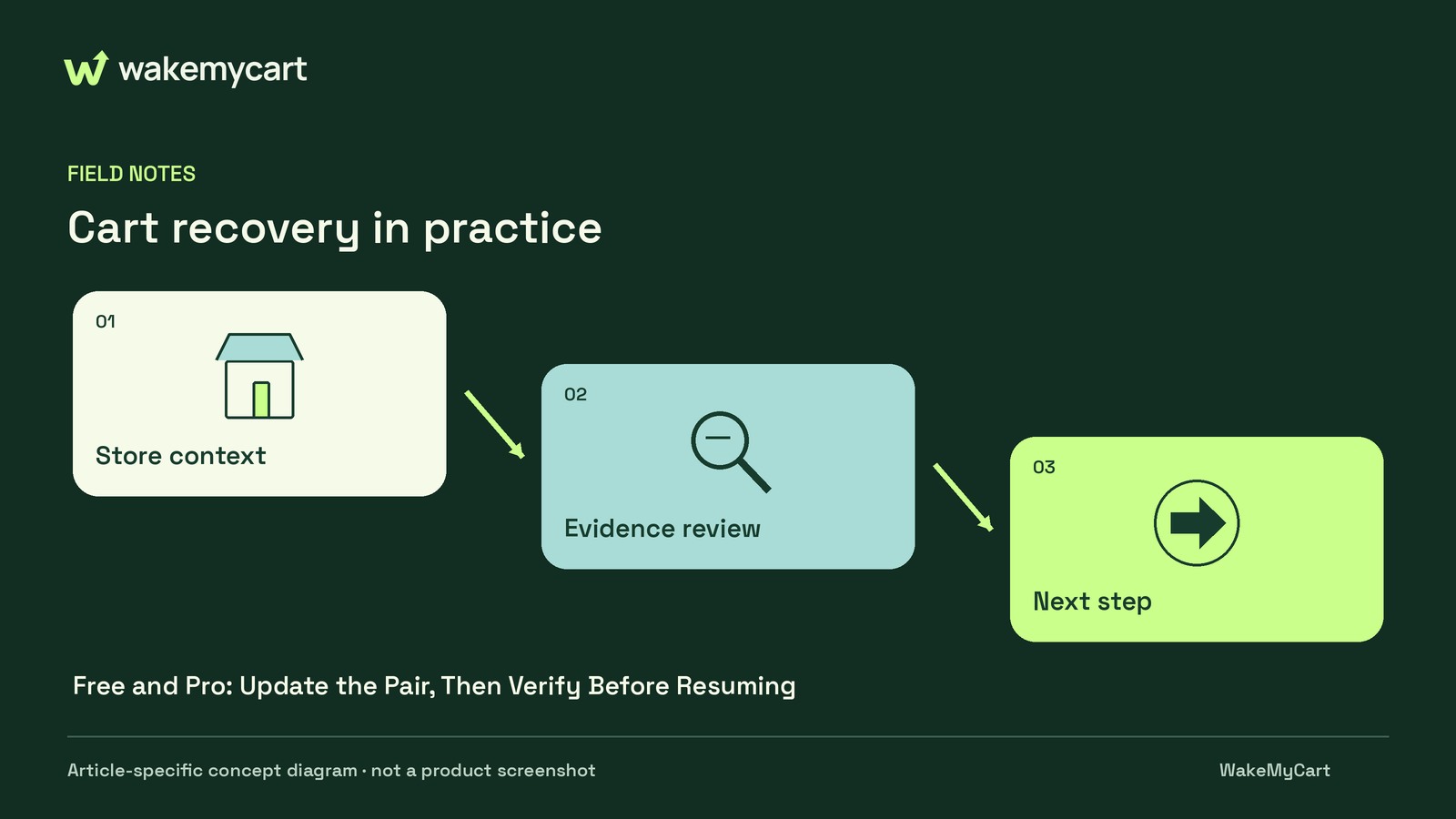
Pause recovery, back up current data, replace Free then compatible Pro in separate requests without uninstalling, and review settings and queue before resuming. Treat both replacements as one maintenance window.
For existing WakeMyCart Pro installations, successful package replacement is not enough to restart recovery. Finish with a documented resume or hold decision based on the installed pair and post-update findings.
Start a manual maintenance record
Create a document or spreadsheet before making changes. Complete it as you work; this is a manual record, not an assumed plugin export.
- Scope: Store reference, maintenance owner, date and time zone.
- Packages: Starting versions; replacement edition, channel and version; package access and minimum-requirement confirmation.
- Pause and backup: Sending pause time, capture state, completed backup reference and recovery procedure.
- Replacements: Separate Free and Pro request times, outcomes and verified installed versions.
- Review: Expected and observed settings and queue state, unexplained differences and missing evidence.
- Decision: Resume or hold, reason, owner and next action.
1. Confirm both packages before starting
The reviewed current pair for this workflow is:
- Free: website-account-runtime channel, version 1.1.24.
- Pro: website-account-runtime channel, version 1.1.24.
Both packages require at least WordPress 6.5, PHP 8.1 and WooCommerce 8.9. Pro requires Free 1.1.22 or later, but the reviewed current pair is 1.1.24 with 1.1.24. Old Pro 1.1.21 is incompatible with this pair.
These channel-specific versions do not establish current WordPress.org availability. Older screenshots and later local builds are not substitutes for reviewed release information.
Obtain both eligible packages before changing the installation. Keep Free installed alongside compatible Pro and confirm eligible site activation. Use the package-update documentation as the procedural reference.
Continuing local activation does not establish download or update eligibility. Once activated, earned local tools continue through ordinary subscription expiry or temporary publisher outage. Private downloads, updates and account services retain their eligibility requirements.
Do not begin replacement if package access, compatibility or minimum requirements remain unconfirmed.
2. Pause recovery and preserve the baseline
Use the recovery-sending control to pause recovery, then record the time and time zone. Capture and recovery sending are separate controls: record both states rather than assuming that pausing one changes the other.
Do not use explicit disconnect as a maintenance pause. Disconnect clears activation and pauses recovery while retaining records.
Pausing cannot recall a message already handed to the configured email provider. Previously handed-off mail may still arrive during maintenance.
Back up current data using your host’s facilities or established backup process. Retain the completed backup’s reference and your recovery procedure. This workflow is not an automatic updater, backup service or rollback guarantee.
Before replacement, also save a baseline of installed versions, activation, relevant settings, saved reminder content and queue findings for comparison afterward.
3. Replace Free, then Pro, in separate requests
Keep recovery paused throughout replacement and review. Replace packages without uninstalling them.
- First request—Free: Replace Free with website-account-runtime 1.1.24. Let the request complete, record its outcome and verify the installed Free version.
- Second request—Pro: In a separate request, replace Pro with website-account-runtime 1.1.24. Record its outcome and verify the installed Pro version. Keep Free installed.
If a request fails or its installed version cannot be confirmed, stop and investigate. Do not continue as though it succeeded, or resume recovery between requests.
4. Compare settings and queue with the baseline
While recovery remains paused, verify both installed versions against the intended pair. Then compare the following areas with the pre-update baseline, allowing for the deliberate sending pause:
- Activation: Confirm the expected site activation.
- Capture and sending controls: Check their states separately, including that recovery remains paused.
- Sender configuration: Compare the configured store email provider and sender configuration with the intended setup.
- Saved content: Compare the intended reminder content and any Pro sequence steps with the baseline.
- Queue: Record queue-health findings and review the available permission, unsubscribe, suppression and purchase evidence relevant to pending reminders.
For each area, record the expected state, observed state and any unexplained difference. A finding is not resolved merely because a settings page or queue is visible. Explain the difference, or identify the evidence needed to resolve it.
A captured checkout or saved message does not authorize sending. Every Pro sequence step remains subject to recorded permission and suppression/purchase checks. An update does not broaden permission.
If a difference or relevant safety evidence remains unresolved, keep recovery paused.
Optional: rehearse sending in isolation
Use an isolated store and owned addresses, with safeguards preventing copied customer records from producing customer-facing mail. Review the actual checkout permission flow, eligible test record, saved content, sender, suppressions and queue before deliberately enabling test sending. Follow the delivery-safety guidance.
Inspect local outcomes and provider acceptance separately: provider acceptance is not inbox placement. Pause rehearsal sending afterward. The rehearsal supports only the configuration exercised; it does not replace reviewing the live installation before restarting there.
5. Make the resume-or-hold decision
Hypothetical maintenance record: Package access and requirements are confirmed, the backup is recorded, both replacement requests completed separately, and installed Free and Pro versions are verified as 1.1.24. However, the maintainer cannot establish whether one pending reminder has the necessary permission.
Decision: hold. The assigned site maintainer must investigate that entry against the baseline and available permission and safety records, then document the finding. This illustrates an evidence gap, not an observed update failure.
Resume only when the compatible pair is verified, settings and queue review is complete, and no unresolved finding prevents recovery from proceeding under its existing permission and safety checks.
Close the maintenance record with the decision, reason, owner and next action. For resume, deliberately enable recovery and record the restart time. For hold, keep recovery paused and assign the evidence-gathering action—not an automatic restart when the maintenance window ends.